

Interface
IWalletBase defines the common interface
The WalletBase abstract class implements IWalletBase interface and provides convenient methods shared by all wallet adapters.
A few examples are:
- Connection to Mainnet/Devnet/Testnet or custom RPC
- Login/logout
- Account creation
- Get balance
- Get token accounts
- Sign/partially sign transactions
- Send transactions
Login example
You can attach the Web3.cs script (../Runtime/Codebase/Web3.cs) to any game object on the scene, then call Web3.Instance.LoginWalletAdapter();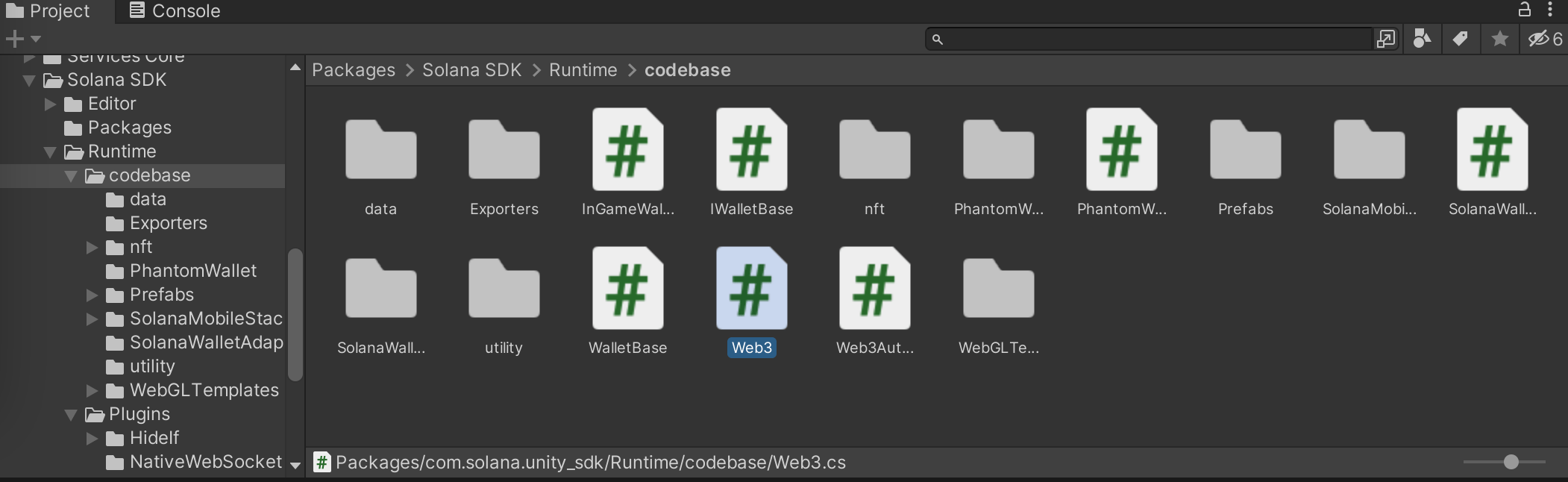
Additional methods
The complete list of methods is available
here
Wallet Adapter
To configure a wallet following the Wallet Adapter standard use the SolanaWalletAdapterWebGL wallet implementation.WalletConnect
WalletConnect enables your game to connect with a wide range of Solana wallets — including Binance Wallet, Jupiter Mobile, Trust, OKX Wallet, and many more — through a single integration. On mobile, users can connect any supported wallet installed on their device. On desktop, they pair with their wallet by scanning a QR code. See the full list of supported Solana wallets. The integration is powered by Reown AppKit for Unity, which provides an adapter package that plugs directly into the Solana Unity SDK. Once set up, all signing and session management go through AppKit while you continue using the sameWeb3 APIs from Solana.Unity.SDK.
For installation and setup instructions, see the Reown AppKit documentation.
SMS
Solana Mobile Stack is a set of libraries for wallets and apps, allowing developers to create rich mobile experiences for the Solana network. For more information about SMS check out the official documentation.Mobile Wallet Adapter
To configure a wallet following the Mobile Wallet Adapter standard use the SolanaMobileWalletAdapter wallet implementation.Configuring Deeplinks
Some of the wallet, e.g. Phantom, are currently implemented using DeepLinks. Deep links are URLs that link to a specific piece of content or functionality within an app, in the context of Solana transactions, deep links can be used to sign a transaction by allowing users to approve a transaction using their Solana wallet.Enabling deep linking for Android applications
To enable deep linking for Android applications, use an intent filter. An intent filter overrides the standard Android App Manifest to include a specific intent filter section for Activity. To set up the wallet intent filter:- In the Project window, go to Assets > Plugins > Android.
- Create a new file and call it AndroidManifest.xml. Unity automatically processes this file when you build your application.
- Copy the code sample into the new file and save it.